
medium chrome 插件升级
medium chrome 插件升级
google cached link下线,从页面 menu 和 context 中去掉“google”和“proxy”的 option(proxy 可能也是通过 google cache 代理的)。关于 google cache 下线可以参考:https://x.com/searchliaison/status/1753156161509916873/?s%5C=20
一、升级更新步骤如下
- Download this repo as a ZIP file from GitHub[1].
- Unzip the file and you should have a folder named medium-parser-extension-1.5.6.
- In Chrome/Edge go to the extensions page (chrome://extensions or edge://extensions).
- Enable Developer Mode by clicking the toggle button on the top right side of the browser.
- Drag the chrome folder anywhere on the page to import it (do not delete the folder afterward).
1 | medium-parser-extension-1.5.6 |
1 | chrome://extensions |
1 | edge://extensions |
1 | chrome |
二、升级成功后效果
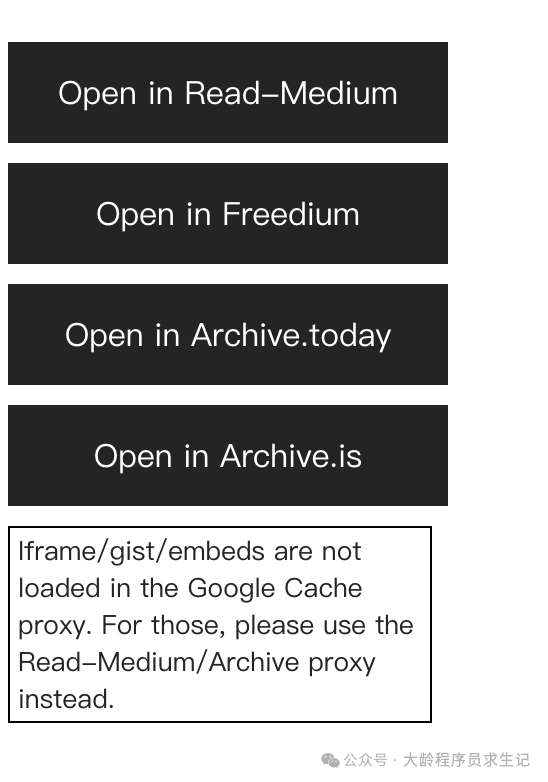
页面菜单
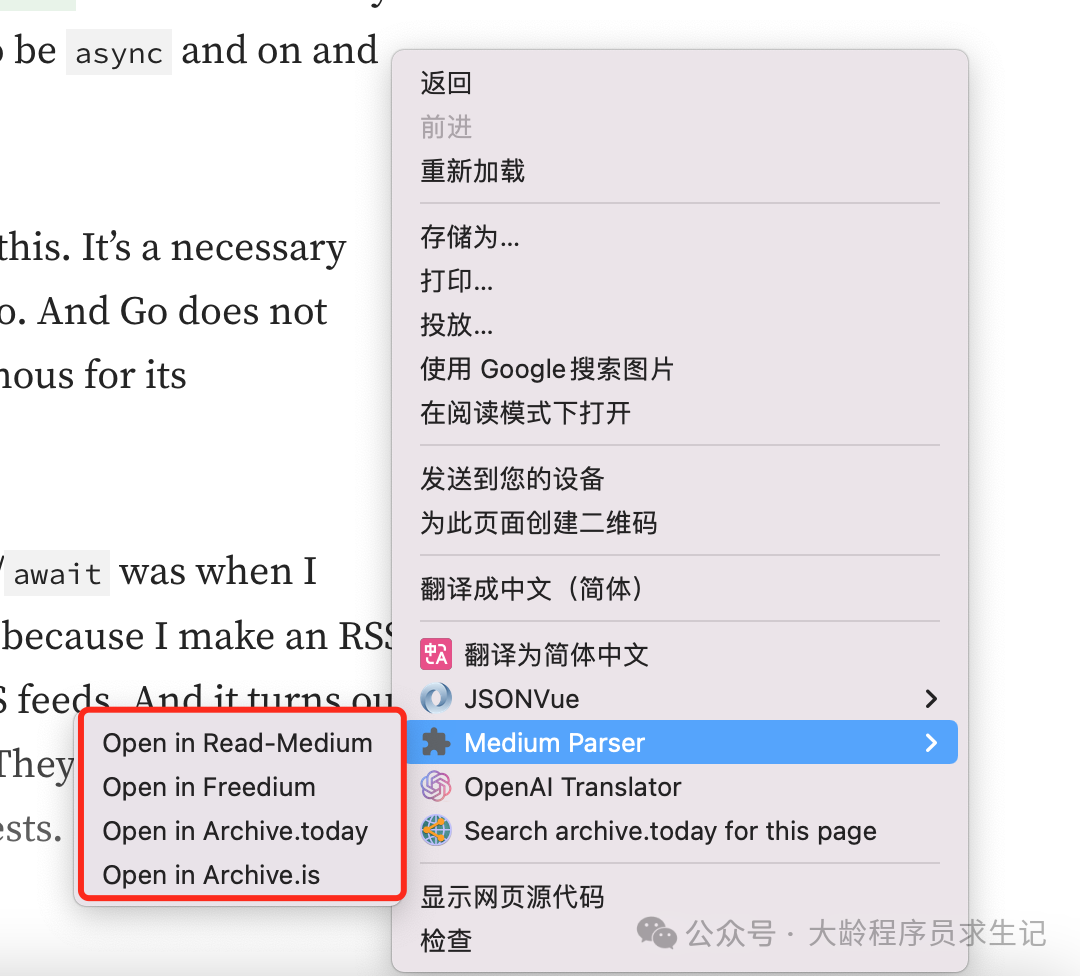
上下文菜单
ZIP file from GitHub: https://github.com/seesea2024/medium-parser-extension/archive/refs/tags/1.5.6.zip
https://github.com/seesea2024/medium-parser-extension/archive/refs/tags/1.5.6.zip
本博客所有文章除特别声明外,均采用 CC BY-NC-SA 4.0 许可协议。转载请注明来源 石头记!
相关推荐
2019-12-06
Java如何隔离Jar包引入的间接依赖
Java如何隔离Jar包引入的间接依赖基础组件/中间件开发中经常以Jar包的形式提供给业务开发人员用。如何避免组件依赖的Jar和业务依赖的Jar包造成冲突呢?Java中的Jar hell是一个伤心的话题。 一 重新打包依赖包,修改包结构名 有工具可以帮助修改包名,参考 jarjar:...
2025-12-01
Mybatis Log Free IDEA插件Bug修复
Mybatis Log Free IDEA插件Bug修复一、问题项目中一直使用Mybatis,通过Mybatis Log Free[1]插件打印执行的SQL语句,再抓出来执行或者检查逻辑,一直还挺好用的。 最近遇到一个问题,就是SQL参数值中如果包含了括号,生成的SQL语句参数替换后字符串外面...
2025-08-30
多个GitHub账号如何通过同一台工作电脑提交代码
多个GitHub账号如何通过同一台工作电脑提交代码问题使用github过程中,如果有多个github账号,从同一台工作电脑提交时经常会遇到类似下面的权限问题。注意这里提到的问题使用的是github的SSH连接方式。 SSH```git:(main) git push -...
2024-05-18
如何部署自己的 IT 工具库
如何部署自己的 IT 工具库如何部署自己的 IT 工具库日常开发中经常需要用到下面功能: json 格式化或者验证 unixtime 时间转换 url encoding 和 decoding md5 加解密 …… 一般可以通过操作系统shell,脚本语言,在线工具来解决。据说一些有商业头脑...
2023-11-08
medium.com会员文章阅读
medium.com会员文章阅读medium.com中很多高质量的技术文章,但是需要付费升级为会员才可以阅读。有一种绕过的方式是通过搜索引擎缓存来访问,比如http://webcache.googleusercontent.com。如果需要访问http://example.com/在搜索引擎中...
2025-07-31
如何快速上线程序员的简历
如何快速上线程序员的简历一、目的作为个人不喜欢写个人简历,有点往事不堪回首的感觉,特别是对于我这种平时梳于总结和思考的码农。 但是写简历是每个人需要面对。本文从程序员的角度出发,如何快速上线自己的个人简历,包括中文和英文版本。目标是简单、快速,但是体现个人的基本信息、教育背景、工作经历、项目经...
评论